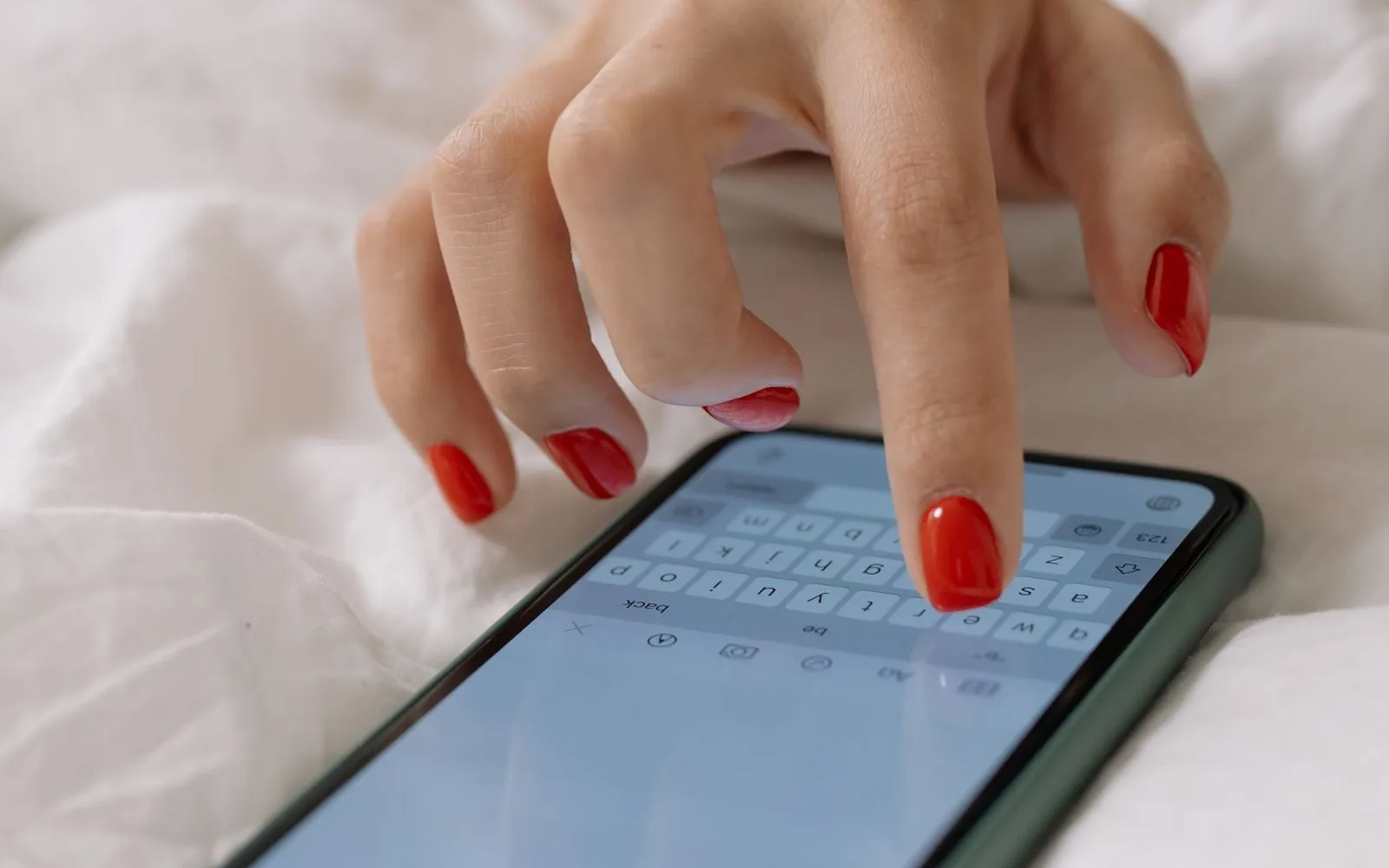
How to Get More Nail Salon Clients Online
How to get more nail salon clients online: one booking link, a complete Google Business Profile, Instagram that leads to booking and steady reviews.
Published 6 min read
In short
- New nail clients mostly decide on their phone, from Google and Instagram. Your job is to be easy to find there and easy to book in a few taps.
- Use one booking link everywhere, complete your Google Business Profile with photos and that link, turn Instagram posts into bookings, and ask every happy client for a review.
- Track where bookings come from each month and put your time into the channels that work.
- 1. The short answer
- 2. 1. One booking link, everywhere
- 3. 2. Google Business Profile: the free shop window
- 4. 3. Instagram that leads to a booking
- 5. 4. Booking on your website
- 6. 5. Reviews as a routine
- 7. 6. Referrals and a first-visit offer, with limits
- 8. Directories and apps: useful, not the plan
- 9. Measure where bookings come from
- 10. A 30-day plan
The short answer
Getting more nail clients online is less about posting more and more about removing steps. A client who finds you should see your work, your prices, your reviews and a way to book within a minute. These six moves do most of the work:
- 1Create one booking link and put it everywhere.
- 2Complete your Google Business Profile and keep it active.
- 3Make every Instagram post and story lead to booking.
- 4Add booking to your website.
- 5Ask for reviews as a routine.
- 6Measure booking sources and drop what does not work.
1. One booking link, everywhere
Answering "do you have anything on Saturday?" in direct messages loses clients who will not wait. A booking link lets them see free times and book right away. Put the same link in your Instagram bio, Google profile, WhatsApp business profile, website, email signature and on a card at the desk.
In CutieCure Salon every salon gets its own booking page at salon.cutiecure.app/s/your-salon. Clients pick services, a technician or "anyone available" and a free time, and book with a name and phone number, without an account. The online booking guide walks through the setup.
2. Google Business Profile: the free shop window
When someone searches "nail salon near me", the map results come from Google Business Profiles. A complete, active profile is the cheapest source of new local clients you have.
- Category and services: choose nail salon as the main category and list your services with prices.
- Booking link: add your booking link as your website or appointment link, wherever your profile offers it.
- Photos: add real photos of your work, your space and the entrance, and keep adding new ones.
- Hours: keep opening hours and holiday hours correct, so nobody arrives at a closed door.
- Description: say what you do, for whom and where, in plain words, and include your cancellation policy.
- Posts and replies: post an offer or new design now and then, and reply to every review.
3. Instagram that leads to a booking
Instagram is where clients judge your style. Make the path from a post to a booking short:
- Booking link in the bio, with one line on what you do and where.
- Story highlights for prices, the cancellation policy, aftercare and "how to book".
- A link sticker on stories that show free times this week.
- Saved replies in DMs that answer with the booking link.
- Location in the bio and on posts, so local clients can find you.
Client work beats stock photos. The Instagram content guide covers consent, a weekly routine and captions that bring bookings.
4. Booking on your website
If you have a website, the booking button should be visible on every page, not hidden behind a contact form. A booking widget opens the same flow on top of your site, so clients never leave it.
CutieCure Salon's website widget is a short script you paste once, limited to your own domains, with optional AI nail try-on for your clients. See how to get more bookings from your salon website.
5. Reviews as a routine
New clients trust other clients. Ask for a review when the client is happiest: right after the service, while she is admiring her nails. A short message with a direct link works better than a general "please review us".
- Ask for a Google review using the share link from your Business Profile.
- In CutieCure Salon you can create a review link from a completed appointment and send it on WhatsApp; ratings appear on your booking page.
- Reply to every review, good or bad, briefly and politely.
6. Referrals and a first-visit offer, with limits
Your current clients are your best channel. Give them a reason to bring a friend, and give new clients one simple reason to try you, without cutting your list prices.
In CutieCure Salon a campaign code can have an end date, a usage limit and service restrictions, so a "first visit" or "bring a friend" offer cannot run away with your margin. VIP groups and discount codes explains how to set them up. Check that the offer still clears your costs with the price calculator.
Directories and apps: useful, not the plan
Directories and booking apps can add visibility, but marketplaces that bring clients often charge a commission on them, and a client who found you through a marketplace may book someone else next time. Treat them as an extra and send people to your own link and profile.
Salons with an active CutieCure booking page appear in the CutieCure salon directory by city, and clients who prefer an app can book through the free CutieCure Book app. Its audience is still small, so your own Google and Instagram presence matters more.
Measure where bookings come from
Once a month, look at where bookings came from and how many first-time clients each channel brought. Put more time into what works and stop what does not.
CutieCure Salon records the source of every booking (online link, website, app, phone, walk-in or Instagram) and shows it in reports. The salon KPIs guide lists the other numbers worth a monthly look.
A 30-day plan
- 1Week 1: set up your booking link with real services, durations and prices, and put it in your Instagram bio and Google profile.
- 2Week 2: complete your Google Business Profile: category, services, 10 recent photos, hours and description.
- 3Week 3: create Instagram highlights for prices, policy and booking, and start asking every happy client for a review.
- 4Week 4: add booking to your website, launch one limited first-visit code, and check your booking sources.
If you do not have a booking link yet, you can create one with a 14-day free trial of CutieCure Salon, no card required.
Free tools and next steps
- Booking software for solo nail techsBooking and client management for solo nail techs: a booking link, a calendar on your phone, client notes and no-show tracking. No booking commission.
- Nail service price calculatorTurn product cost, time, hourly pay, overhead and margin into a suggested price per service, then print your price list.
Frequently asked questions
What is the fastest way to get new nail clients online?
Make booking easy where clients already look: a booking link in your Instagram bio and on a complete Google Business Profile with real photos and reviews. Then ask every happy client for a review.
Do I need a website to get nail clients online?
No. A booking link, a Google Business Profile and an active Instagram account are enough to start. A website helps later, especially with a booking widget on every page.
How do I add a booking link to Google?
Edit your Google Business Profile and add your booking page as your website or appointment link, wherever your profile shows those fields. You can also share it in posts.
Should I join booking marketplaces?
They can add visibility, but check the commission on new clients and whether you keep the client relationship. Use them as an extra and point people to your own booking link.
How many reviews does a nail salon need?
There is no fixed number. A steady flow of recent reviews matters more than a large old total, so make asking part of every appointment.
Put this into practice with CutieCure Salon
Online booking link, website widget, packages, customer groups, campaign codes and team performance in one dashboard, plus AI try-on for your clients.