Instagram Content from Customer Nail Try-Ons: A Consent-First Guide
How nail salons can turn client designs and AI try-ons into Instagram posts that bring bookings, with clear consent and a simple weekly routine.
Published 5 min read
In short
- The best performing salon content is real work on real hands, but posting a client's hand needs her permission, every time.
- AI try-ons give you a new source of content: designs clients were excited about, which you can post with their consent and a link to book that look.
- A simple routine (three posts a week, one clear call to action, your booking link in every caption) beats occasional perfect posts.
Why client work beats stock photos
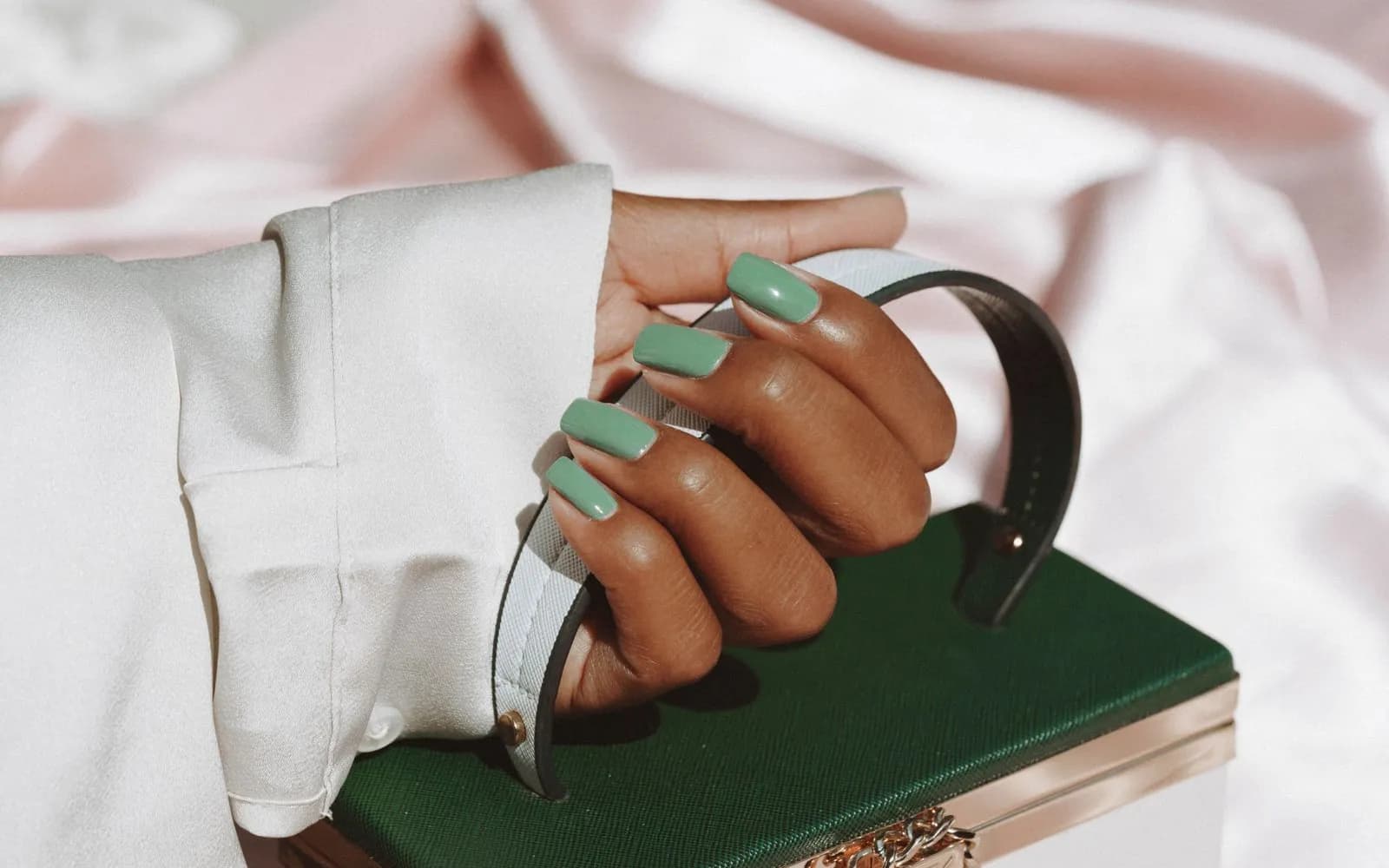
People follow nail salons to see what their own nails could look like. Glossy stock images do not answer that question, real sets on real hands do. They also prove you can deliver the look, which is exactly what a new client wants to know before booking.
The catch is permission. A photo of a hand is a photo of a person, and in many countries it counts as personal data. Treat consent as part of the process, not an afterthought.
Consent that actually protects you
- Ask at the right moment: right after the appointment, when the client is happy with the result.
- Be specific: "Can we post this set on our Instagram?" is clearer than a line in a terms page.
- Keep a record: note who agreed and when, so you can answer if someone asks later.
- Respect a no, and a later change of mind: remove the post if a client asks.
With AI try-ons the same rule applies. A try-on image shows the client's own hand with a design on it, so it needs her agreement before it appears on your feed.
Try-ons as a content source
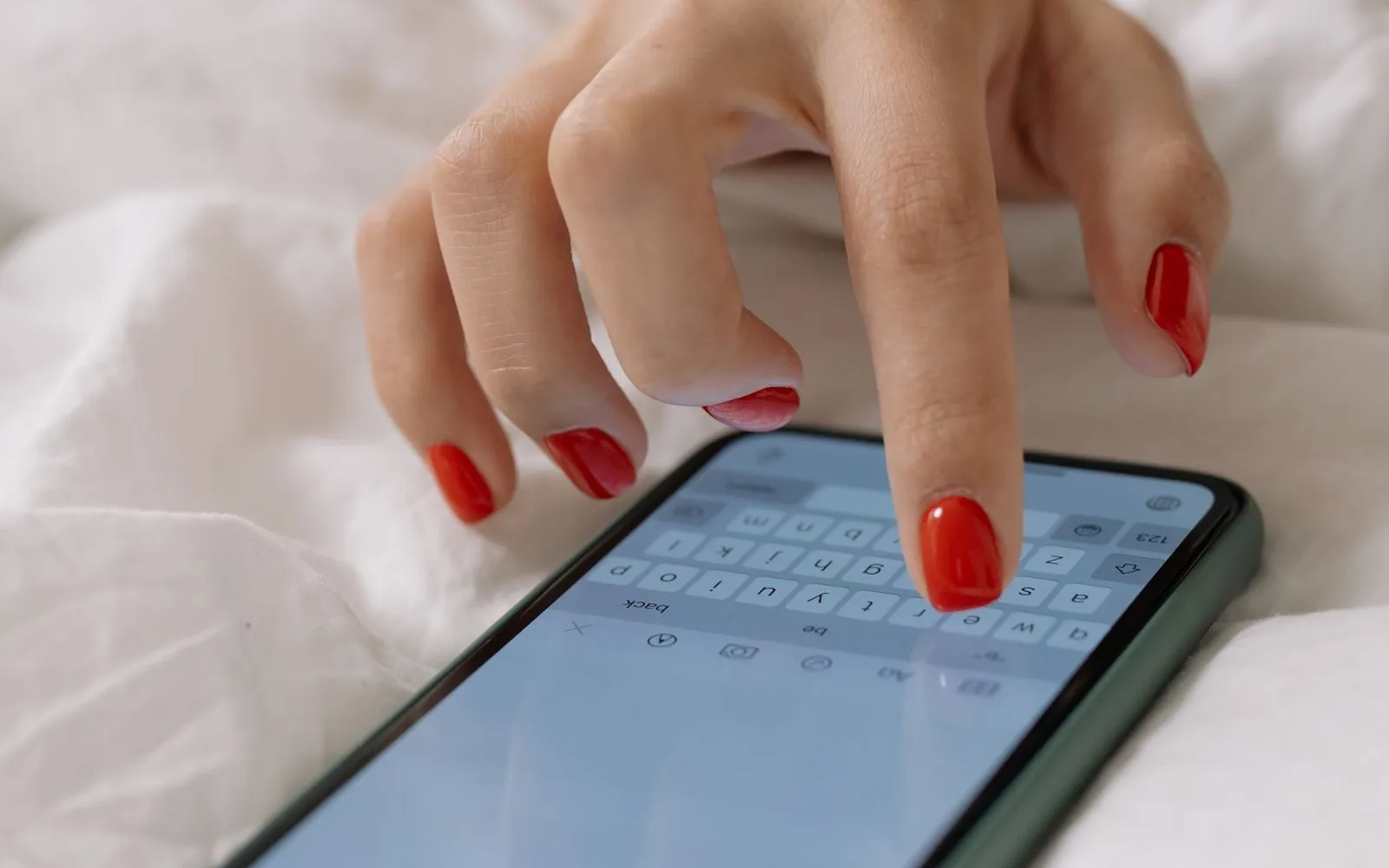
When clients try designs on their own hands with the CutieCure widget or app, they generate looks they were excited enough to test. Those are strong post ideas: "Five looks our clients tried this week", "Which one would you book?", "Autumn shades on real hands".
CutieCure is building a content studio for salons on top of this: a gallery of customer try-ons that clients agreed to share, Instagram post templates with your salon name and booking link, and AI-written captions and hashtags in your language. It is coming soon and rolling out to salons gradually. Until then, the routine below works with any photos you already have.
A weekly routine that fits a busy salon
- 1Monday: one "look of the week" post from last week's best set, with price and booking link.
- 2Wednesday: a before and after, or a try-on comparison, with a question in the caption.
- 3Friday: your free slots for the weekend as a story, with a link sticker to your booking page.
Keep the caption short: what the design is, how long it takes, and one call to action. Put your booking link in the bio and in every story.
Captions and hashtags that bring bookings
- Start with the look, not with "New post!": "Chrome French on almond nails".
- Mention the service name clients search for, like gel polish, builder gel or nail art.
- Add your neighbourhood or city in words and in one or two hashtags.
- End with one action: "Book this look, link in bio".
- Use a mix of eight to fifteen hashtags: service, style, city.
Track which posts lead to bookings by watching bookings marked with Instagram as their source in your analytics, and by using a campaign code in a post when you want exact numbers. More on codes in VIP customer groups and discount codes.
Photographing sets quickly and well
You do not need a studio, you need consistency. A small corner of the salon set up once saves time on every photo:
- Light: daylight from a window or one soft LED panel, never the overhead light directly above the hand.
- Background: one neutral surface (a linen cloth, a marble tile) used for every photo, so your feed looks coherent.
- Angle: fingers slightly curved, nails towards the camera, the thumb shot separately.
- Timing: take the photo right after finishing, before the client puts her jacket on.
Batch your editing once a week. The same light preset on every photo is enough.
Stories vs posts vs reels
Posts are your portfolio: the best sets, kept on your grid for new visitors. Stories are your calendar: free slots, same day openings, codes that expire. Short videos are your reach: a ten second reel of a nail being painted or a before and after reveal often reaches people who do not follow you yet. You do not need all three every day. One post, a few stories on busy days and one short video a week is a sustainable mix.
From post to booking
Content only pays off if the next step is easy. Send people to a page where they can book the look in a minute, either your booking link or your website with the booking widget. See how to get more bookings from your salon website, and let clients who want to explore more designs discover them in the CutieCure app.
Frequently asked questions
Can I post a client's nails without asking?
You should not. A hand photo is a photo of a person. Ask after the appointment and keep a note of who agreed.
Is the CutieCure content studio available now?
It is coming soon and being enabled for salons gradually. The consent flow for clients is already part of the widget and the CutieCure Book app.
How many times a week should a nail salon post?
Three consistent posts a week plus stories on busy days is a realistic target that most small salons can keep up.
Put this into practice with CutieCure Salon
Online booking link, website widget, packages, customer groups, campaign codes and team performance in one dashboard, plus AI try-on for your clients.