TikTok and Reels Ideas for Nail Techs: 25 Video Ideas, Setup and a Weekly Routine
Nail salon video ideas for TikTok, Reels and Shorts: 25 ideas, a simple phone setup, client consent, a weekly routine and how to turn views into bookings.
By the CutieCure Salon teamPublished 10 min read
In short
- Nails are made for short video: a visible transformation in seconds, filmed hands-only, so you never need to show your face.
- Pick from 25 ideas in 10 groups (process, before and after, colour choosing, service explainers, hygiene, myths, value, trends), and batch-film during the week instead of filming every day.
- Ask consent before you film a client's hands, and give every video one call to action: the booking link in your bio, with your service name and city in the caption.
Why process videos work for nails
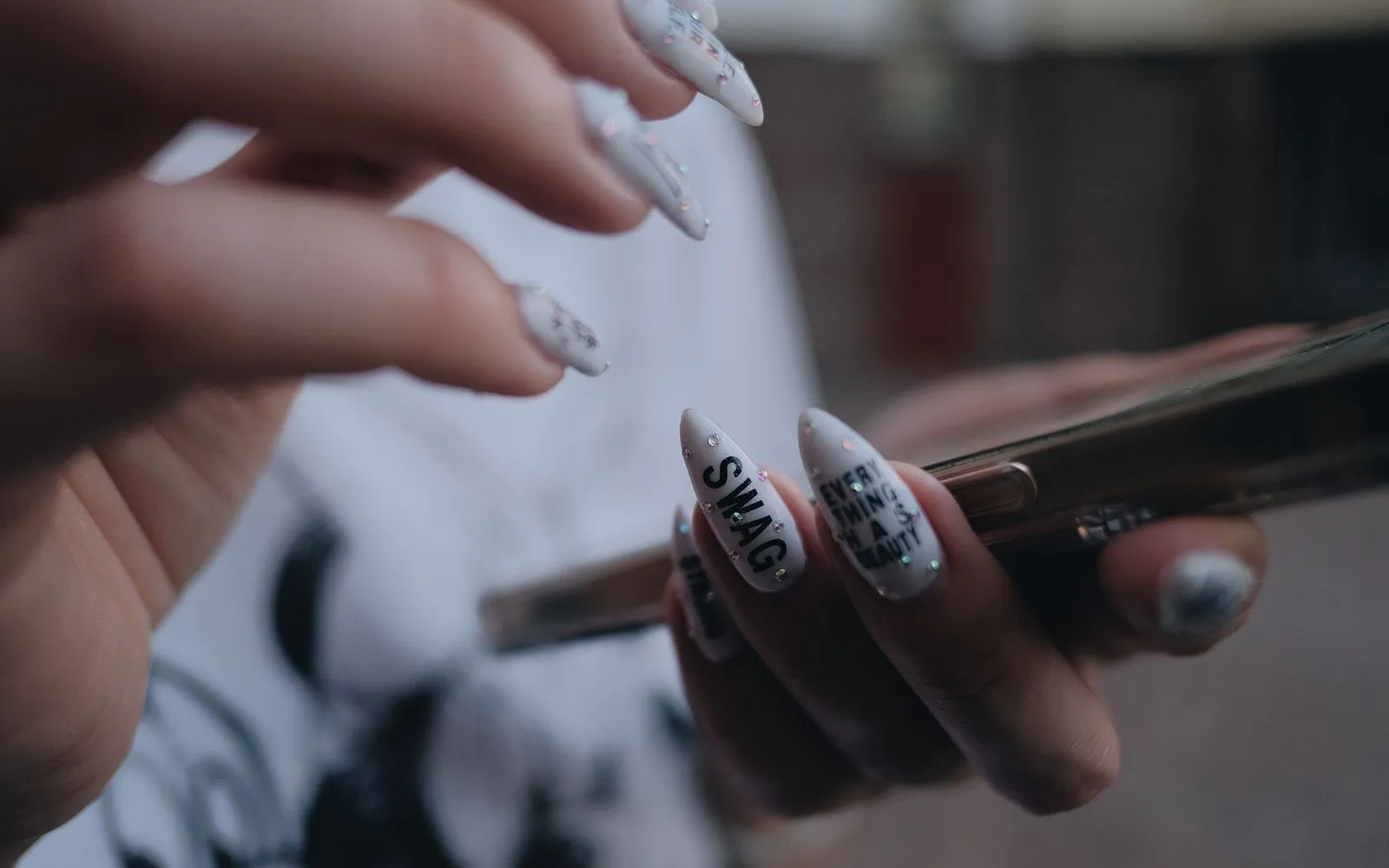
A set of nails changes completely in an hour, and a short video can show that change in fifteen seconds, without a single word.
Process videos also show the things a photo cannot: clean prep, a careful cuticle area, an even apex, the way you hold the client's finger. Those details are what a client is really choosing when she picks a nail tech, and they are hard to fake.
And you only need hands in the frame: no face, no studio. A phone, good light and a client who said yes are enough.
25 nail video ideas, grouped
You do not need all of them. Pick three or four groups that fit your style and rotate them, so you always know what to film next.
Process and ASMR (filing, shaping, prep)
- 1. Shaping in real time: one nail filed from square to almond, with the sound of the file and no music.
- 2. Prep close-up: cuticle work and the clean nail before any product goes on.
- 3. Building the apex: builder gel flowing into place, seen from the side so the structure is visible.
- 4. One nail, start to finish: a single nail from bare to top coat, sped up, in under twenty seconds.
Before and after
- 5. Infill day: grown-out set next to the fresh infill.
- 6. Removal and rebalance: an old set taken off properly and rebuilt.
- 7. Progress over visits: a regular client's natural nails over several appointments, only with her clear agreement.
"Client asked for X, I did Y" (with consent)
- 8. Inspiration vs result: her inspiration photo, then your version adapted to her nail length and shape. Explain the change kindly; the client is never the joke.
- 9. Three try-ons, one booking: with her permission, the designs she tried on her own hand before booking, then the real set she chose.
Choosing a colour
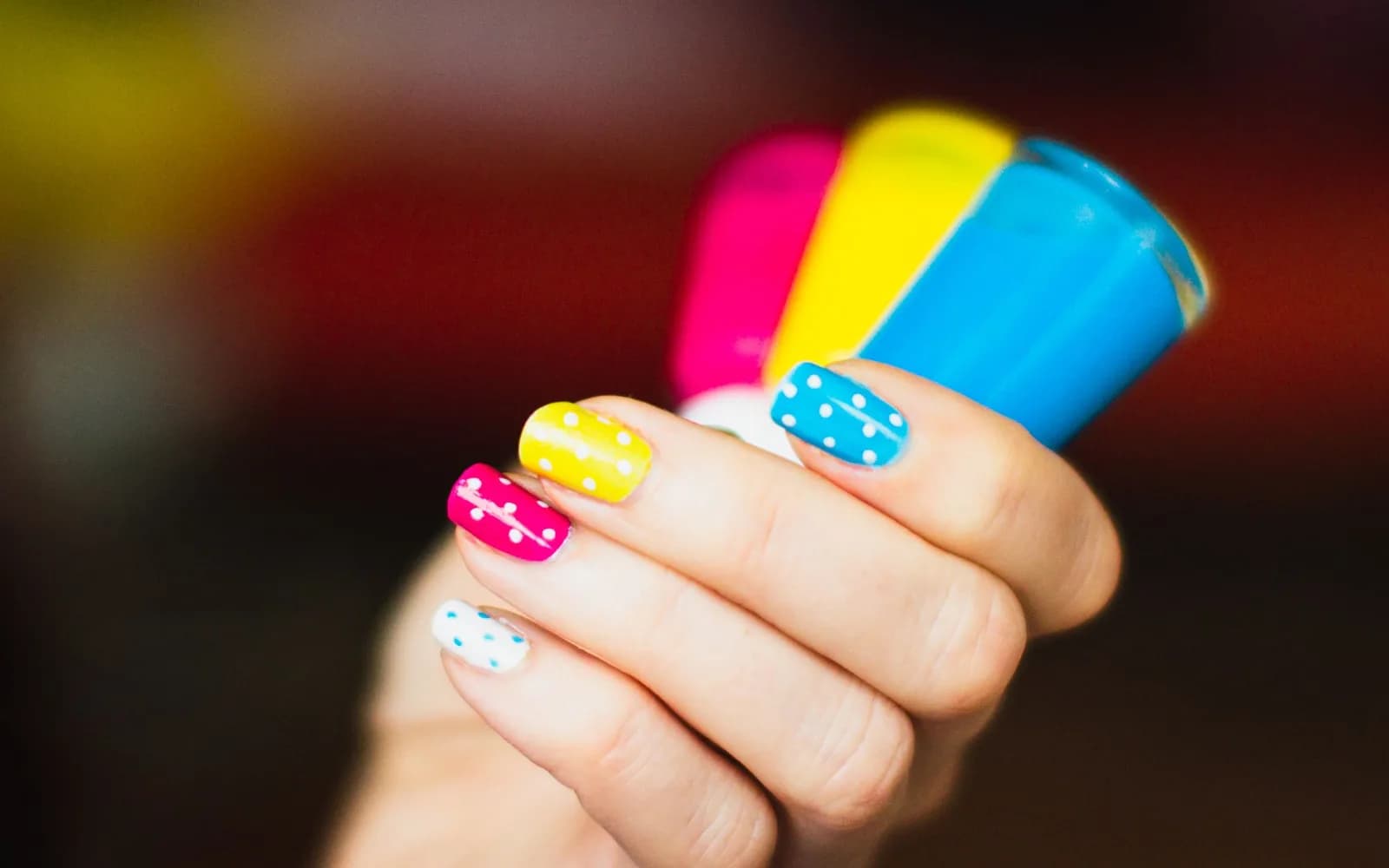
- 10. Three shades, one hand: swatches held next to her skin, then the one she picked.
- 11. "Which would you choose?": two finished options side by side, asking viewers to comment.
- 12. The monthly colour edit: five shades from your colour chart that clients asked for this month.
Explaining a service
- 13. Builder gel vs gel polish in twenty seconds: what each is for and who it suits.
- 14. What Gel X is: the soft-gel tips, how they are applied and how long the appointment takes.
- 15. How removal works: why you file and soak instead of peeling, and why clients should not pick at home.
Salon day and behind the scenes
- 16. Opening the salon: setting up the desk, lights on, first tools out.
- 17. A day in ten clips: one second from each appointment, no clients' faces.
Hygiene and tool cleaning
- 18. Between two clients: cleaning and disinfecting tools, wiping the table, a fresh file. Your hygiene checklist is the script.
- 19. "New file for every client": a short clip that answers a question many new clients have but do not ask.
Myth-busting
- 20. "Gel ruins your nails": show how careful prep and proper removal protect the natural nail. Talk about your method, not medical facts, and send clients with nail problems to a doctor.
- 21. "Short nails cannot look good": three short-nail designs in one video.
Price and value (without quoting prices)
- 22. What goes into a full set: the steps, the products and the time, so viewers understand the price before they ask it.
- 23. Why nail art takes longer: one hand-painted nail in real time. Pair it with a clear nail art add-on menu.
Trends
- 24. Your version of a trend: chrome, cat eye or a seasonal design, on a real client and adapted to her nails.
- 25. A trending sound, your footage: use a sound from the platform's own library over one of your process clips.
Filming setup with just a phone
Set up one corner once, leave it ready, and filming becomes a habit instead of a project.
- Light: daylight from a window or one soft LED panel in front of the hand. Avoid a single strong light directly overhead, which makes shadows and shine on the gel.
- Angle: pick one or two angles and keep them, for example straight from above for colour and a low side angle for structure.
- Stable mount: a phone arm clamped to the table or a small tripod. Handheld footage shakes, and you need both hands for the client.
- Clean desk: a neutral mat, no dust, no cups, no client belongings in the frame. Wipe the phone lens before every session.
- Hands-only framing: frame the hands and nails only. Watch for rings, tattoos or a reflection that could show who the client is.
- Vertical and quiet: film in vertical format, put the phone on do not disturb, and if you want ASMR sound, turn the salon music down for that clip.
Editing basics and captions
Editing in the phone's own app or the platform's editor is enough. Keep it simple:
- Start with the payoff or the problem: the finished nail, or the grown-out set that needs saving, in the first second.
- Cut dead time: pauses, reaching for products, curing time. Speed up long parts instead of showing them in full.
- Short on-screen text: the service name, for example "Builder gel infill, almond". It helps people watching without sound.
- Real colours: no beauty filter on the nails. A client who books the shade she saw should get that shade.
- Caption: what the service is, your area or city, and one action. Add a few hashtags with the service, the style and the city.
A weekly routine that fits a busy salon
The trick is to film while you work and edit once, not to add a new job to every day.
- 1Monday: choose three ideas for the week from the list above and write them on a note at your desk.
- 2During appointments: when a client agrees, film one or two clips with the mount already set up. Thirty seconds of footage is plenty.
- 3In a gap or an empty slot: film the clips that need no client, such as hygiene, swatches, an opening routine or a short explainer.
- 4One editing block (for example 45 minutes): cut two or three videos and write the captions.
- 5Post the same video on TikTok, Reels and Shorts across the week, then spend ten minutes replying to comments and messages.
Keep a running list of questions clients ask in the chair. Each one is a future video.
Client consent before you film her hands
A hand is part of a person, and a video can travel far beyond your followers. Ask before you start filming, not after you have posted: say what you want to film, where it will appear, and that she can say no without any effect on her appointment. Note her answer in her client record, show her the video before you post if she wants, and take it down if she changes her mind. Your team's hands need the same courtesy.
The full consent routine, including try-on images and what to keep on record, is in the consent-first Instagram content guide.
Turning views into bookings
A video that gets views but no bookings usually has a weak next step. Make it short:
- Booking link in bio: the same link on every platform, opening a page where clients see free times and book. Get more clients online covers this path in detail.
- One call to action per video: "Book this set, link in bio" beats "follow, like, share and book".
- Pinned comment: pin a comment with the service name and a pointer to the link in your bio, so people who ask "where do I book?" find the answer.
- Local keywords: your city or neighbourhood in the caption, the on-screen text and your profile, so local viewers know you are near them.
- Reuse your best clips: add them to your Google Business Profile and to your website. With a booking widget on your site, visitors book without leaving it.
- Answer price questions fast: videos bring DMs asking "how much?". Keep price inquiry replies ready, each ending with the booking link.
What not to do
- Do not buy followers or views. They do not book, they make your account look less trustworthy, and they break platform rules.
- Do not copy other nail techs' work without credit. If a design inspired you, name the artist in the caption. Never repost someone else's video as your own.
- Do not film without asking, or show a client's face, name or messages without clear permission.
- Do not mock clients' nails or another salon's work. A "rescue" video can be respectful.
- Do not put prices in videos that stay online for months. Show the value, and keep current prices on your booking page.
How CutieCure Salon fits in
CutieCure Salon does not film, edit, schedule or post videos, and it does not show social media statistics. What it gives your videos is the next step:
- A booking link for your bio and pinned comments: clients pick a service, a technician and a free time and book with name and phone, without an account. Online bookings arrive as pending for you to confirm. The website widget adds the same booking window to your own site.
- Booking sources: bookings from your link, website or the CutieCure Book app are tagged automatically, and when you add a booking that came in by Instagram DM, WhatsApp or phone, you choose that source yourself. Reports show sources for the last 7, 30 or 90 days. They cannot tell which video or which platform sent a link booking, so ask new clients where they found you and write it in their client notes.
- AI virtual try-on as a content idea: clients can try designs on their own hand in the free CutieCure Book app or through your website widget before booking. With her permission, her try-ons next to the finished set make a strong "she tried three, booked this one" video. AI features use your plan's AI credits.
Every salon starts with a 14-day free trial without a card.
Free tools and next steps
- Booking software for solo nail techsBooking and client management for solo nail techs: a booking link, a calendar on your phone, client notes and no-show tracking. No booking commission.
- Nail salon booking app or booking website?Should nail salon clients book in an app or on a website? What each does well, and how CutieCure Salon combines a booking page, a widget and apps.
Frequently asked questions
What should a nail tech post on TikTok?
Short process clips, before and afters, colour choosing, quick service explainers, hygiene routines and your version of a trend. Pick three or four types you enjoy filming and rotate them.
Do I need to show my face in nail videos?
No. Hands-only videos work well for nails because the work is the subject. A stable phone mount, good light and a clean desk matter more than being on camera.
How often should a nail salon post short videos?
Choose a pace you can keep, for example two or three videos a week, and batch-film them during normal appointments. Consistency over months matters more than a busy first week.
Do I need permission to film a client's nails?
Yes. Ask before filming, say where the video will appear, keep a note of her answer and remove the video if she changes her mind. Rules on image rights differ by country, so check locally.
How do I get bookings from Reels and TikTok?
Put one booking link in your bio, give each video one call to action, pin a comment that points to the link and name your city in captions. Ask new clients where they found you to see which videos work.
Written by the team that builds CutieCure Salon, booking software for nail salons. When the product or a fact in this guide changes, we update the guide and the date above.
Put this into practice with CutieCure Salon
Online booking link, website widget, packages, customer groups, campaign codes and team performance in one dashboard, plus AI try-on for your clients.