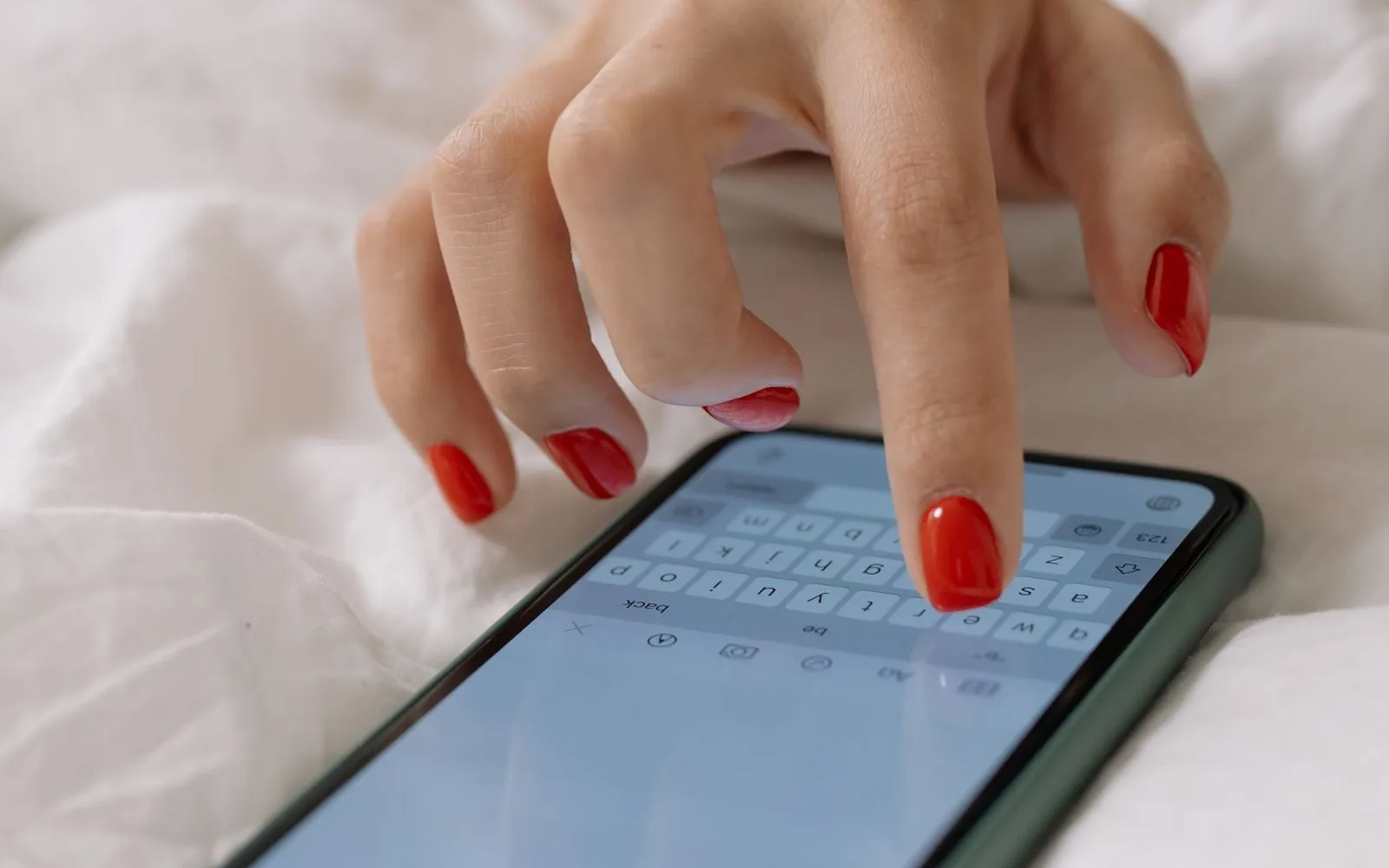
How to Get More Bookings from Your Nail Salon Website
Turn your salon website into a booking channel with a booking widget: where to place it, what it should do and how to install it in minutes.
Published 5 min read

In short
- Most salon websites are brochures: prices, photos and a phone number. Visitors who are ready to book have to leave, call or send a message, and many do not.
- A booking widget adds a button that opens a booking window on your own site, where clients pick a service, a technician and a time without leaving.
- Place the button where decisions happen (hero, price list, gallery), keep the flow short, and measure website bookings as their own channel.
- 1. Why a salon website often does not bring bookings
- 2. What a booking widget should do
- 3. Where to place the booking button
- 4. More than booking: let visitors try a look first
- 5. How to install it
- 6. Widget or a link to a booking page?
- 7. Small website tweaks that bring more bookings
- 8. Measure the website as a channel
Why a salon website often does not bring bookings
People land on a salon website from Google Maps, a search like "gel nails near me" or a link in your Instagram bio. They look at photos and prices, decide they like you, and then hit a wall: a phone number during working hours or a contact form.
Every extra step at this point costs bookings. The visitor is already convinced. Your website only needs to let her act on that decision immediately.
What a booking widget should do
A booking widget is a small piece of code you add to your site once. It shows a button, and when a visitor clicks it a booking window opens on top of your page. A good widget:
- Shows your real services, packages, prices and durations, always in sync with your salon system.
- Lets the client pick a technician or "anyone available".
- Shows only free time slots, calculated per technician.
- Takes name, phone and optionally email and notes, then confirms.
- Accepts campaign codes and shows the new total before confirming.
- Works on phones, since most salon website traffic is mobile, and stays the same size from step to step so it does not jump around.
- Speaks the visitor's language.
Appointments from the widget should land in the same calendar as every other booking, marked as coming from your website, and wait for your confirmation.
Where to place the booking button
- Top of the home page: "Book now" next to your main photo.
- Price list: a button under each category, since that is where clients decide.
- Gallery or portfolio: "Book this look" under your best work.
- Mobile: a floating button in the corner, always reachable while scrolling.
The CutieCure widget can run as a floating launcher, open from any of your own buttons, or sit inline inside a page section.
More than booking: let visitors try a look first
Nail clients often hesitate on design, not on time. The CutieCure widget can also offer AI hand analysis and a virtual try-on, so a visitor uploads a photo of her hand, sees suggested designs on her own nails and books the one she likes. It turns browsing into a reason to book.
These AI features use your salon's AI credits and can be switched on or off, independently of booking. The consumer side of the same technology is the CutieCure app, which you can see at cutiecure.app.
How to install it
- 1In the CutieCure Salon dashboard, open Website AI and copy your snippet.
- 2Add your website address to the allowed sites list, so the widget only works on your domain.
- 3Paste the snippet before the closing body tag of your site. On WordPress, use the plugin or a header and footer code plugin.
- 4Choose the mode: floating button, your own button or inline section.
- 5Make a test booking from your phone.
Booking can be switched off from the same page at any time, for example during a holiday, while the rest of the widget keeps working.
Widget or a link to a booking page?
Linking a "Book now" button to an external booking page also works, and it is better than nothing. The widget is better for two reasons. First, the visitor stays on your site, so the experience feels like your brand and she can go back to your gallery without losing her place. Second, on phones every page change is a moment where people drop off. One fewer page means more finished bookings.
Use both: the widget on your website, and the booking link everywhere you cannot embed code.
Small website tweaks that bring more bookings
- Write your price list as text, not an image, so Google and AI search engines can read it.
- Check that the website link on your Google Business Profile actually opens your site.
- Add the service name and duration under gallery photos.
- Show opening hours and address clearly, with a map link.
Measure the website as a channel
Once the widget is live, compare website bookings with your booking link, phone and walk-ins every month. If the website is weak, the fix is usually placement (move the button higher) or traffic (link your site from your Google profile), not the widget itself.
The booking link and the widget work best together, which is covered in online booking for nail salons. Create an account to get your snippet.
Frequently asked questions
Do I need a developer to add the booking widget?
No. You paste one snippet into your site. Website builders and WordPress have a place for custom code in the header or footer.
Can someone put my widget on another website?
No. The widget only works on the website addresses you add to the allowed list in your dashboard.
Does the widget work in other languages?
Yes. It supports English, Turkish, French and Portuguese, and service names can have an English version for foreign visitors.
Are website bookings confirmed automatically?
They arrive as pending with the website marked as their source, and you confirm them like any other online booking.
Put this into practice with CutieCure Salon
Online booking link, website widget, packages, customer groups, campaign codes and team performance in one dashboard, plus AI try-on for your clients.