How to Start a Nail Business: A Practical 90-Day Plan
How to start a nail business as a solo tech: pick a home studio, chair or small studio, set a short menu and fair prices, then book your first 20 clients.
Published 8 min read
In short
- How to start a nail business: pick one model (home studio, rented chair or small studio), check the rules locally, and open with a short menu and honest durations.
- Set up a booking link before you post anything, and keep your home address private until a booking is confirmed.
- Your first 20 clients come from people you know, neighbors and Instagram. Take notes and track a few numbers from day one.
- 1. How to start a nail business: choose your model first
- 2. Rules, hygiene and insurance to check before your first client
- 3. Start with a short service menu and honest durations
- 4. Price from your costs and your time
- 5. Stock only the shades you can sell, and show them as a digital chart
- 6. Set up online booking before you post anything
- 7. Home studio privacy: what is public and what waits for confirmation
- 8. Your first 20 clients: people you know, neighbors and Instagram
- 9. Client records and simple numbers from day one
- 10. Your 90-day plan, and when to add a second technician
How to start a nail business: choose your model first
Most independent nail techs start in one of three ways, and each one changes your costs, your rules and your clients:
- Home studio. Lowest fixed cost, most flexible hours. You need a separate, clean work area, and clients will know your address.
- Rented chair or room in a salon. You pay rent or a revenue share, but get an address, walk-ins and a professional setting from day one. Ask exactly what the rent covers.
- Your own small studio. Most control, highest fixed cost. Best once you already have a client list.
If you are unsure, start with the lowest monthly commitment and move up when your calendar is full.
Rules, hygiene and insurance to check before your first client
Rules differ between countries and even cities, so we will not state them here. Take these questions to your local authority, a trade association or an accountant, and get the answers in writing:
- Do I need a license, certificate or registration, and does working from home change that?
- How do I register the business for invoices and taxes?
- Are there rules about running a business from my building?
- Which hygiene standards apply to tools and single-use items?
- Which insurance do I need, including any a salon requires if I rent a chair?
Start with a short service menu and honest durations
A short menu is easier to price, stock and choose from. Six to eight items cover most needs: classic and gel polish manicure, builder gel and refills, extensions if you are trained, removal, a nail art add-on, and pedicure if space allows.
Write down real durations, prep and clean-up included, and time your next five clients if you are unsure. Durations that are too short make you run late all day.
In CutieCure Salon each service has a duration, category and price, plus an optional English name for visitors browsing in another language, and booking times follow your working hours and service length. Later, bundle services into packages with the regular price, duration and saving calculated for you.
Price from your costs and your time
The salon down the road is a reference, not your price. Start from three numbers:
- 1Monthly fixed costs: rent or chair fee, insurance, software, phone, utilities.
- 2Product cost per service: polish, gel, files and disposables.
- 3Sellable hours per month: the hours you expect to be booked, not the hours you are open.
Divide fixed costs by sellable hours and add the hourly pay you want: that is what each booked hour must earn. Multiply it by the service length and add the product cost, and you have the floor price for that service. With example numbers: 1,200 in fixed costs over 60 sellable hours is 20 per hour before products or pay, so a 90-minute service at 30 covers fixed costs and nothing else.
The nail salon pricing guide goes deeper. Skip cheap "introductory" prices: raising them later is harder than starting fair with a limited launch code.
Stock only the shades you can sell, and show them as a digital chart
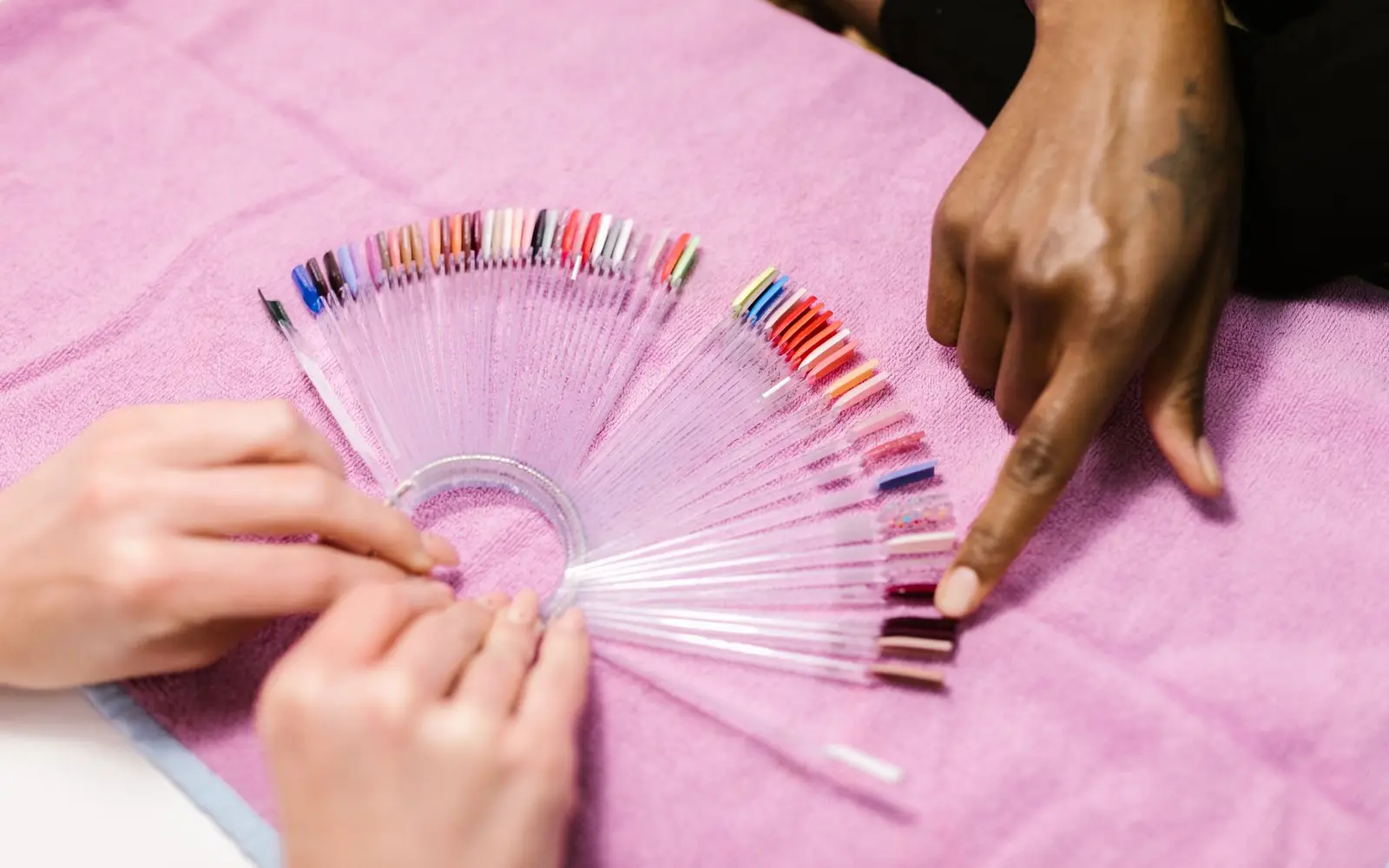
A full collection bought "to look professional" ties up money in shades nobody books. Start with nudes, pinks, a red, a dark shade, white and black for nail art and a few seasonal colors, then add a shade when two clients ask for it.
In CutieCure Salon the chart is digital: each shade gets its brand, color number, finish and photo, featured shades show first, and shades you run out of can be switched off without deleting them. Clients who scan your salon QR code see it in the CutieCure Book app, save favorites and can try a shade on a photo of their own hand. More in digital nail polish color chart.
Set up online booking before you post anything
The classic launch mistake: announce on Instagram, then answer fifty DMs by hand while clients book somewhere that replies faster. Set up the link first:
- 1Enter your services, durations and prices.
- 2Set your weekly hours and closed days.
- 3Choose your currency and default language.
- 4Add the booking link to your Instagram bio, WhatsApp and Google profile.
In CutieCure Salon clients book from the link without signing in, up to 21 days ahead, and can leave a note about the design they want. Requests arrive as pending, so you can message a first-time client or decline a time that does not suit you. Full setup: online booking for nail salons.
Home studio privacy: what is public and what waits for confirmation
Decide early what is public and what only confirmed clients get.
- Public: studio name, city, services, prices and photos of your work.
- After confirmation: exact address, entrance, floor, door number and parking.
When you set up your salon in CutieCure Salon, the city is required but the District and Address fields are optional. Leave both empty and the booking page shows only the city. Send the full address once you confirm. The screen a client sees after sending a request does show a button to call the salon phone number you entered, so consider a separate business number. On Instagram, skip location tags on posts shot at home and check that no door or building number shows in the background.
Your first 20 clients: people you know, neighbors and Instagram
They come from three circles, usually in this order:
- People you know: friends, family, former colleagues, and clients from a previous salon if your agreement allows it. Ask each happy client to bring a friend.
- Neighbors: a flyer with your booking link as a QR code in shops that allow it, and neighborhood groups.
- Instagram: your own work in good light, about three posts a week, each ending with "book through the link in bio".
Instead of cutting every price, create one campaign code with dates and a use limit, say your first 20 bookings. In CutieCure Salon clients enter it on your booking link, the code shows as "Used up" under Campaigns once the limit is reached, and a cancelled booking gives the use back.
After good appointments, send a review link from the completed appointment on WhatsApp; your rating then appears on your booking page. Post ideas: Instagram content from client try-ons.
Client records and simple numbers from day one
What to note for each client
- Nail shape, length, products and shades used.
- Anything that affected the service: sensitive skin, early lifting, a product she disliked.
- Her usual time and favorite style.
Each CutieCure Salon client profile holds your notes, last visit, total appointments, total spent, and upcoming and past appointments. For a structured intake, see the nail client consultation form.
Four numbers to check monthly
- Completed revenue: from appointments that actually happened.
- No-shows: clients who booked and did not come.
- New clients: people added this month.
- Booking sources: online, phone, WhatsApp, Instagram or walk-in.
Online bookings are tagged automatically, and when you add a booking by hand you pick its source, so Analytics shows which channel works. More in nail salon KPIs and reducing no-shows.
Your 90-day plan, and when to add a second technician
- 1Days 1 to 30: settle your model and rules questions, set up your menu, prices, hours and booking link, and tell people you know.
- 2Days 31 to 60: post three times a week, run your launch code, collect reviews and take notes after every visit.
- 3Days 61 to 90: review your numbers, drop services nobody books, fix prices and plan the next month.
Hire only when your calendar has been full for weeks and you turn clients away at popular times. First try steering demand to quieter hours or raising peak prices. In CutieCure Salon the Basic plan covers one person, the owner. When you hire, move to Pro, which includes 5 staff members, and invite your new tech from the Staff page with her own role, Manager or Staff (plans). Running a multi-staff nail salon covers the first hire.
Start with a free trial or explore the demo.
Frequently asked questions
Can I start a nail business from home?
It depends on local rules, which differ by country and city. Before your first paying client, ask your local authority and an accountant about licensing, registration, hygiene and building rules.
How many services should I offer at the start?
Six to eight is usually enough. Add services when clients keep asking for them.
Do I need a website to take bookings?
No. A booking link in your Instagram bio, WhatsApp and Google profile is enough to start.
Will clients see my home address?
Not on your CutieCure Salon booking page if you leave the District and Address fields empty. The page then shows only your city, and you share the exact address after confirming.
Put this into practice with CutieCure Salon
Online booking link, website widget, packages, customer groups, campaign codes and team performance in one dashboard, plus AI try-on for your clients.